Language settings

UI and other

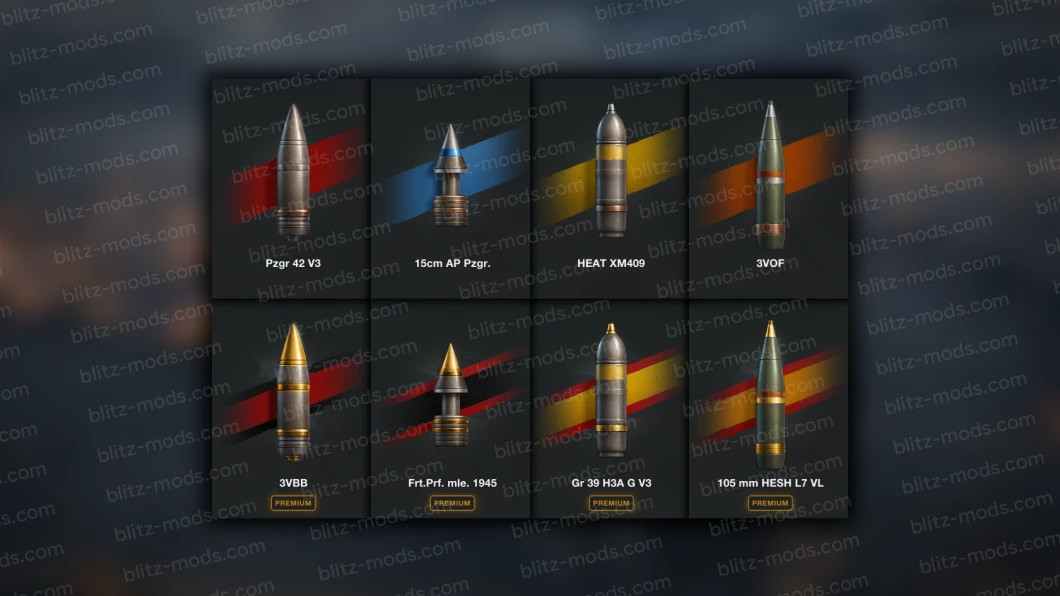
World of Tanks Blitz has a very diverse interface, but even it, over time, begins to get boring, you want to change the boring gray buttons, joystick, shell icons, tank icons, module icons, flags, equipment icons, ammunition, equipment and many similar elements. Also, sometimes I want to add something new, for example, an expanded development tree, an improved tank filter, font color changes, a new font, but where to look for all this? Right! The BlitzMods website has a huge assortment of graphic mods, joysticks, flags, icons of shells, tanks, equipment, an improved development tree and other modifications that were listed above and not only them!
Custom Damage Statistics Panel
UI and other
Android icon

Custom Damage Statistics Panel

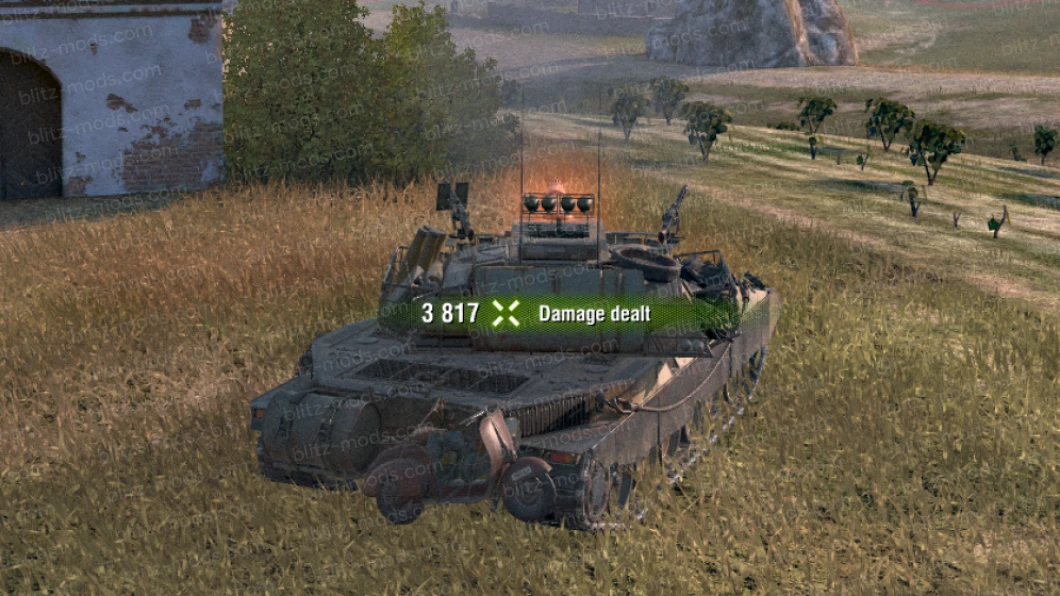
[{"insert":"🆕 This modification modifies the placement of the damage statistics panel to the top right corner of the minimap. It adopts the icon arrangement from WoT PC but features a custom design.\n\n"},{"attributes":{"bold":true},"insert":"‼️ Configuration Options in the _CDSP-Settings.yaml File:"},{"insert":"\n"},{"attributes":{"bold":true},"insert":"Panel Position:"},{"insert":" Select the positioning of the panel based on your minimap size, ranging from 1x to 8x."},{"attributes":{"list":"bullet"},"insert":"\n"},{"attributes":{"bold":true},"insert":"Customization:"},{"insert":" Change the counter background and customize item icons, with the ability to select up to three icons per item."},{"attributes":{"list":"bullet"},"insert":"\n"},{"insert":"\n"},{"attributes":{"bold":true},"insert":"🆕 Now with Android Support!"},{"insert":"\n"},{"attributes":{"bold":true},"insert":"⚠️ "},{"insert":"Not Plug&Play. If you're unfamiliar with installing mods of this kind, please refer to the guide I made on our "},{"attributes":{"link":"https://discord.com/channels/1145391956114022450/1464770248082325718"},"insert":"Discord server"},{"insert":".\n\n‼️ For Android users, you can position the panel freely by accessing the settings and customizing the touch controls under the controls section.\n\n‼️ You can choose the icons and the counter background also on Android:\n\nJust edit the "},{"attributes":{"italic":true},"insert":"_CDSP-Settings.yaml"},{"insert":" before installing the mod in the `.apk`."},{"attributes":{"list":"ordered"},"insert":"\n"},{"insert":"If you want to change the icons/backgound after the installation just repeat the step 1 and install the `.apk` again so your configuration will be updated."},{"attributes":{"list":"ordered"},"insert":"\n"},{"insert":"\n"},{"attributes":{"bold":true},"insert":"🟥 Only WG!"},{"insert":"\n"}]