For Android players:
This modification isn't Plug&Play! This modification should be packed into APK file before installing due to game limitations, made by game devs. Check our guide about "Installing modifications on Android" by Rick to get more info about it
Update for
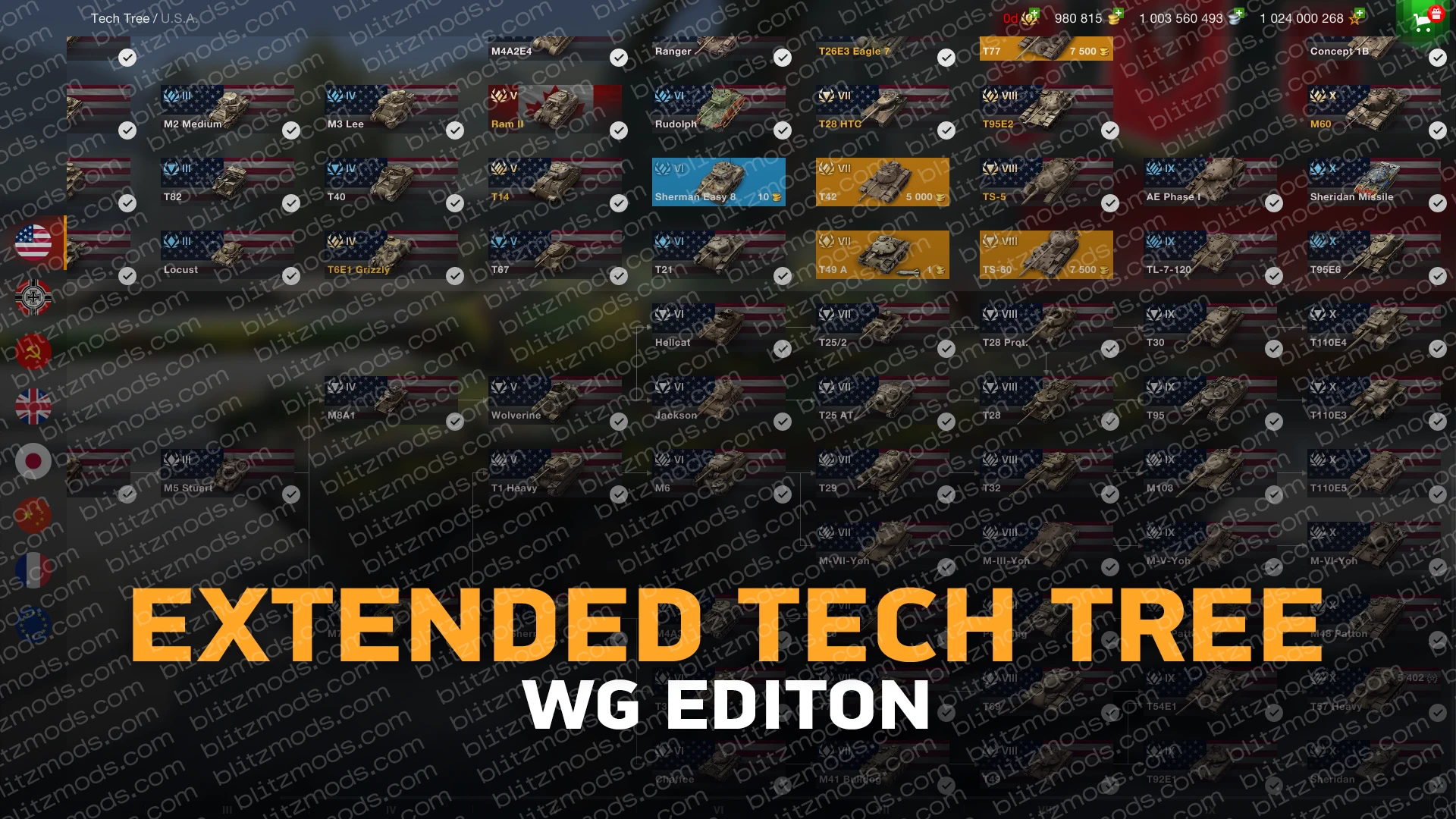
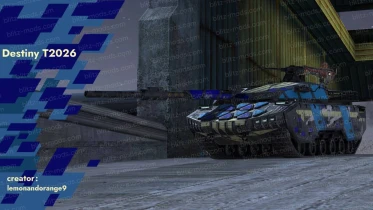
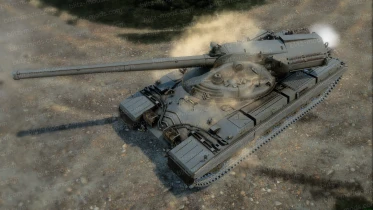
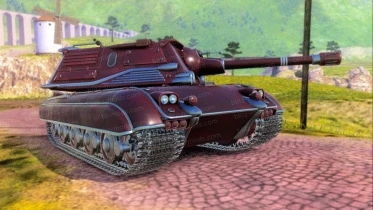
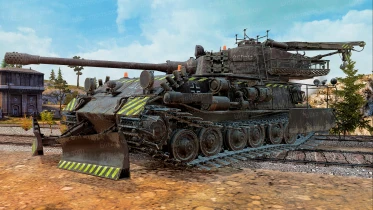
- Added 🇺🇸 XM57
- Added 🇫🇷 Lorraine 120 Alby
- Added 🏴☠️ Morbid
- Fixed position for Mk I* Heavy Tank
Update for
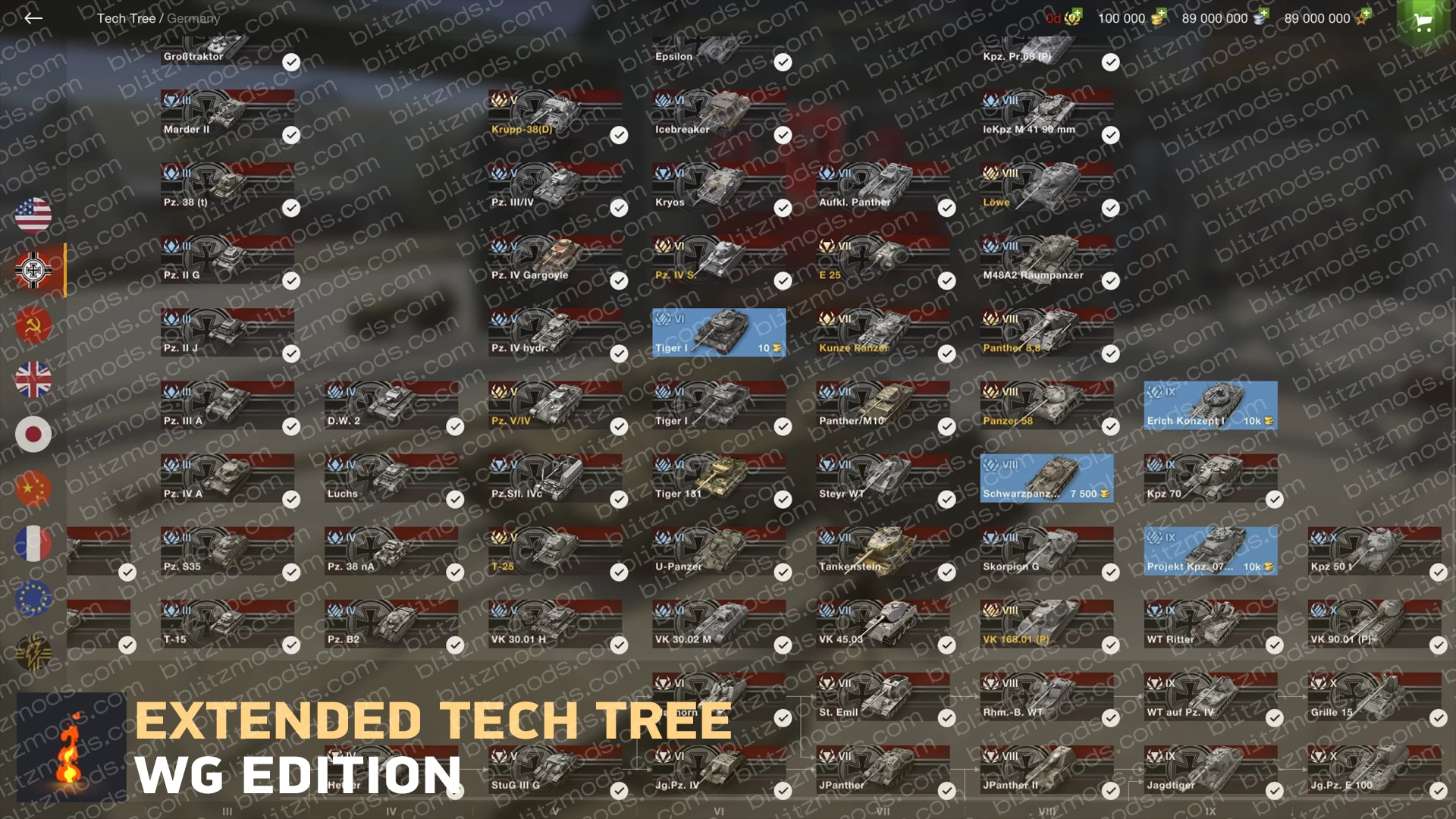
- Added 🇯🇵 Type 4 Heavy - Added 🇯🇵 O-Ho - Added 🇯🇵 O-Ni - Added 🇯🇵 O-I - Added 🇯🇵 O-I Experimental - Added 🇨🇿 Zmije - Added 🇷🇺 IS-8 Taurus - Added 🇷🇺 KV-4 KTTS - Added 🇨🇳 ZQ-90 - Added 🏴☠️ LEY-1 Defender - Added 🇬🇧 Mark I Male
Update for
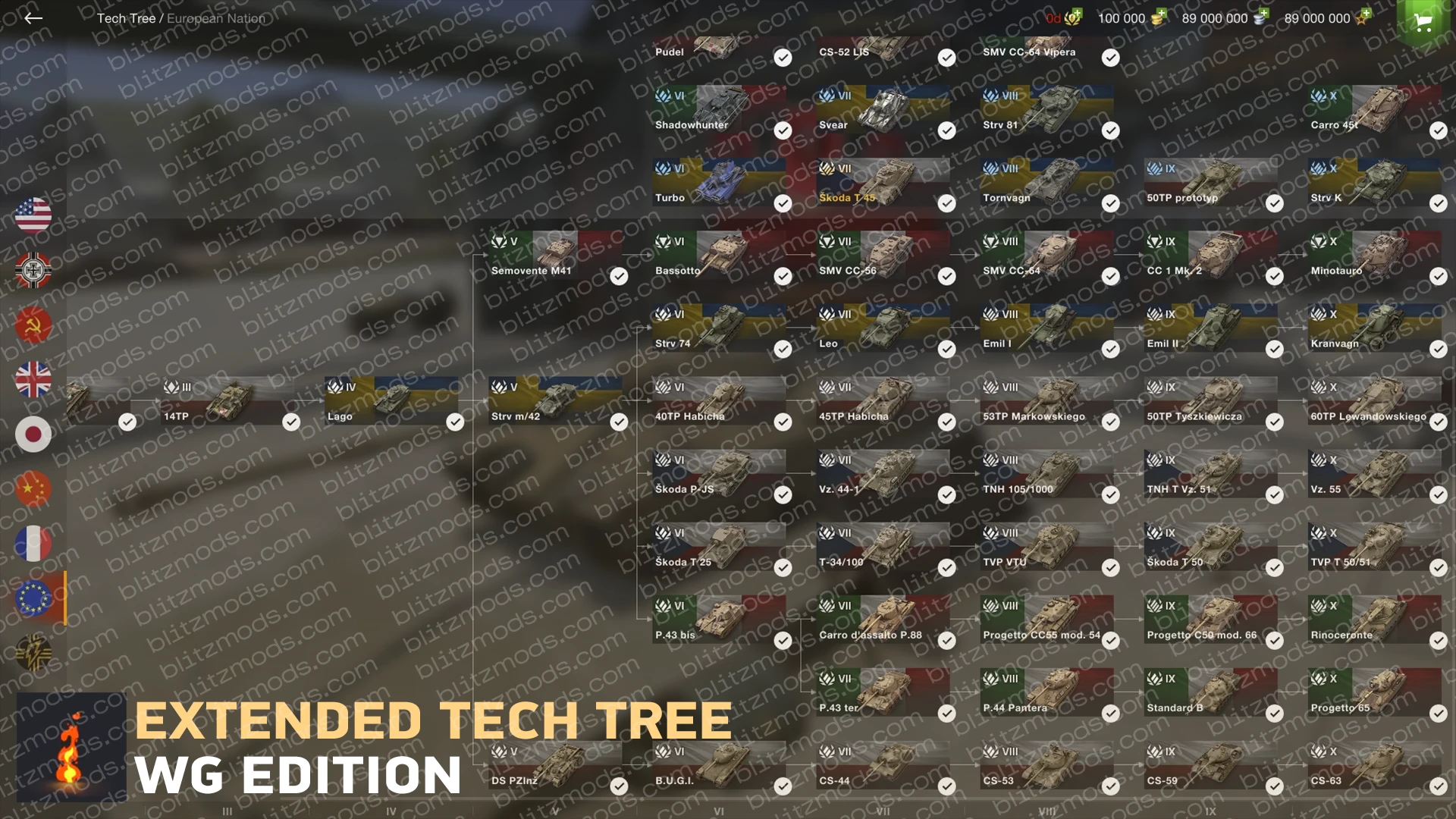
- Added 🇫🇷 M47 Chevalier - Added 🇮🇹 Donnola - Added 🇵🇱 Husarz - Added 🏴☠️ AMX 50 100 Titan - Added 🏴☠️ 星际猎人
Update for
- Added 🇺🇸 SPHT - Added 🇯🇵 Type 5 H Zetsu - Added 🇫🇷 Brennos
Update for
- Added 🇵🇱 56TP - Added 🏴☠️ Titan JPanther II
Update for
- Added 🇩🇪 Kpz 70 Missile Batterie - Added 🏴☠️ AC Teichos
FAQ
How to install mods?
Download the archive with the mod, copy all files and folders of the mod and paste it by the path .../World of Tanks Blitz/Data/
To find this folder take a couple of steps:
For Steam: Library -> WoTBlitz -> Manage -> View local files
For WGC/LGC: WoTBlitz(TanksBlitz) -> Game settings -> Show in folder
For Microsoft Store: Open File Explorer and follow the path C:/Program Files/WindowsApps/ -> Find a way to get here in the Internet -> Find folders related to WoTBlitz (7458BE2C.WorldofTanksBlitz_********), if there are several folders, find the one with the newest date -> Go to the Data folder
- PC (If the micropatch has already been released by the game developers):
Download the archive with the mod, copy all the files and folders of the mod and paste it into the folder C:/Users/USERNAME/AppData/Local/wotblitz/packs/ for WoTBlitz and into C:/Users/USERNAME/Documents/packs/ for TanksBlitz. If you downloaded the game from the Microsoft Store, then follow the path C:/Users/USERNAME/AppData/Local/Packages/7458BE2C.WorldofTanksBlitz_***/LocalState/packs. Paste mod files here. This way most mods will work properly. If you installing crew voices and gun sounds mods, u must install this mods in the folder described above, in the first option for PC.
- Android
How to install mods for WoTBlitz on Android (GitHub)
- IOS
For this you need a Jailbreak to gain access to the device’s file system, how to do this search on the Internet. Download the archive with the mod, copy all the files and folders of the mod. Next follow the path var/mobile/Containers/Bundle/Application/[UniqueValue]/WoTBlitz.app/Data/ and install mods here.
Video instruction: How to install mods for WoTBlitz and TanksBlitz on PC and Android
Write comment
* Only authorized users can leave comments and rate mods
LoginComments 13